When support is available
Coverage is a choice, not a default: business hours, extended hours, or around the clock. The window is written into the agreement, along with what counts as an emergency outside it and who is reachable.

Business IT support
When IT support works, nobody notices it. When it does not, people stop working and start building workarounds. CoreData has provided IT support and IT services to Calgary businesses since 2000: a help desk your staff can actually reach, engineers on site when hardware or a network needs hands, and monitoring that catches problems before anyone has to call.
After-hours and 24/7 IT support
CoreData provides after-hours and 24/7 IT support to Calgary businesses, scoped in the agreement rather than sold as a slogan. Monitoring runs continuously whatever the coverage window, so servers, network devices and key services stay watched overnight even when the help desk is not staffed.
Coverage is a choice, not a default: business hours, extended hours, or around the clock. The window is written into the agreement, along with what counts as an emergency outside it and who is reachable.
Response times differ by plan and are set out in the agreement rather than advertised as a headline number. A provider quoting one universal response time for every client and every severity is describing marketing, not a service level.
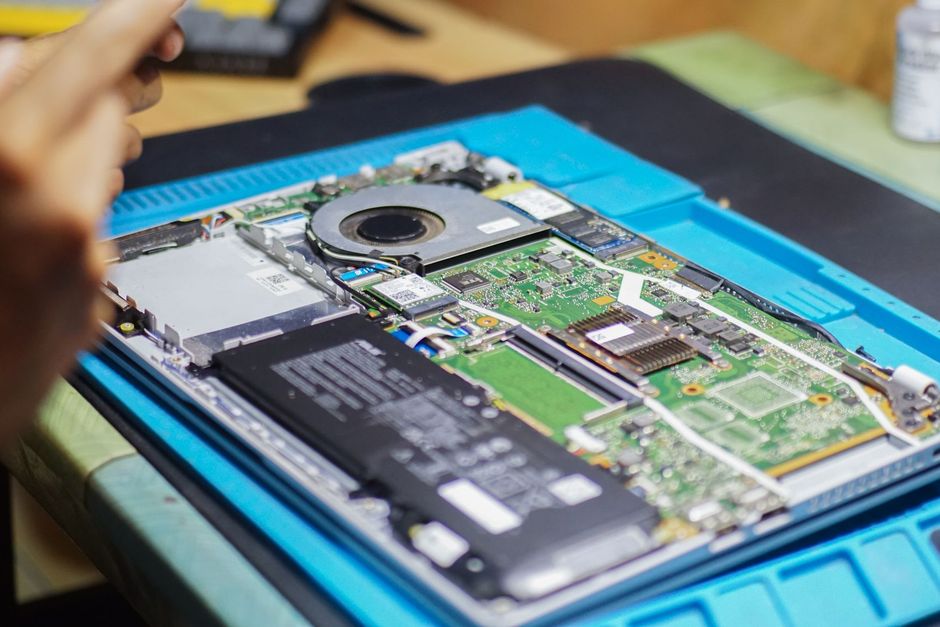
Most issues are resolved remotely, which is faster for everyone. Hardware failures, network faults, cabling and site moves need someone physically there, and CoreData engineers work across Calgary head offices, branches, yards and remote sites.
What it covers
Support is more than answering the phone. These are the parts that decide whether problems get fixed or keep coming back.
Phone, email, and desktop-agent support, with response targets by severity written into the agreement.
IT help desk in Calgary →An engineer at your office, shop, or site when hardware, cabling, or a network fault needs hands rather than a remote session.
Most everyday problems are fixed remotely, without waiting for someone to drive across the city.
Servers, workstations, and network devices monitored around the clock and patched on a schedule, so fewer problems reach the help desk at all.
MFA, managed endpoint protection, and monitored backup maintained day to day, not sold as a separate afterthought.
Cybersecurity services →Mailboxes, licences, Teams and SharePoint administration, plus onboarding and offboarding, handled under the same agreement.
How support is delivered
CoreData is headquartered in Calgary and support is delivered by our own team. Help desk work is not subcontracted to an overseas call centre, so the team answering the phone is the same team that comes on site when a fix needs hands.
Sound familiar?
Almost nobody calls asking for IT support in general. They call about one of these, and most have a boring, fixable cause.
Usually an old machine, a full disk, or a network bottleneck rather than the internet itself. Monitoring data shows which one, so the fix is not a guess.
Mail flow, spam filtering, or a mailbox rule someone set up. That last one is also how payment-redirection fraud starts, so it gets checked every time.
Account, licences, laptop, and access ready on day one, and removed on the last day when someone leaves.
Carrier fault or network fault, answered with monitoring data. Where downtime costs more than a second line, a backup circuit with automatic failover turns the next one into a non-event.
Network support in Calgary →Restored from backup, including Microsoft 365, where retention is shorter than most businesses assume.
Backup and business continuity →Usually a driver, a network address that changed, or a queue stuck on one machine. The kind of problem remote support clears without anyone driving over.
Choosing a model
The model matters more than the provider's name. Most businesses end up choosing between these three.
It looks cheap because nothing is billed until something breaks. Nobody is watching in between, so the same problems come back and little gets written down. It can suit a very small office with little to go wrong.
Support plus monitoring, patching, security, backup, and planning under one agreement, with the provider responsible for preventing problems, not only responding to them.
Managed IT services in Calgary →Your internal IT person keeps projects and business context. CoreData takes help desk overflow, after-hours coverage, monitoring, and security tooling.
Co-managed IT in Calgary →The bar to clear
If any line below is uncertain with your current provider, it is worth asking about before the contract renews.
Changing providers
Most businesses that call us already have a provider. The order of the handover is what keeps staff working through it.
Inventory what exists: devices, accounts, licences, network equipment, backups, and anything past end of support.
Administrator credentials, documentation, and vendor contacts move over first, before anything changes.
Monitoring goes on and backups are checked, so there is a baseline before the old provider steps back.
Staff get one new number and email. The old provider is released only once the new one is demonstrably in control.
Fix the gaps the assessment found, in order of risk, scheduled around your operations.
Who we support
CoreData supports businesses and organizations: professional services firms, energy and industrial companies with field sites, and healthcare providers with privacy obligations. We do not provide home or residential computer support.
Common questions
Recurring IT support is usually priced per user or per device, with the number driven by headcount, servers, sites, coverage hours, and compliance requirements. CoreData quotes after an assessment rather than from a rate card, and keeps hardware and licensing as separate, visible lines.
Response targets are set by severity and written into the agreement. A site-wide outage and a password reset carry different commitments, and each level has a defined escalation path.
Yes, when a fix needs hands: hardware, cabling, network faults, and new starts. Everyday issues are usually fixed remotely because it is faster for your staff.
IT support is reactive: something breaks and someone fixes it. Managed IT includes that support and adds monitoring, patching, security, backup, and planning, with the provider responsible for preventing problems.
Yes. Your person keeps projects and business context, and CoreData covers help desk overflow, after-hours escalation, monitoring, and security tooling.
No. CoreData provides IT support to businesses and organizations only.
Yes. Windows 10 support ended in October 2025, so machines still running it no longer receive security updates. Upgrades and hardware replacement are planned machine by machine.
End-of-life dates →Yes. CoreData is headquartered in Calgary and support is delivered by our own team, not subcontracted to an overseas call centre.
Talk with our team
If nobody knows the answer, start with an IT assessment.